
Hurst Green Primary School
Computing Overview
Computing at Hurst Green is designed to equip pupils with the knowledge, skills and confidence to participate safely, responsibly and creatively in an increasingly digital world. Through a carefully sequenced curriculum, pupils develop understanding of computer science, information technology and digital literacy whilst learning how technology can be used to communicate, create and solve problems.
Children begin developing computing skills in the Early Years through exploration of technology, programmable toys, digital media and problem-solving activities. As they move through Key Stages 1 and 2, pupils progressively develop their understanding of algorithms, programming, data, networks and digital content creation whilst becoming increasingly confident users of technology.
The curriculum provides opportunities for pupils to design, create, debug and evaluate digital solutions using a range of hardware and software. Online safety is woven throughout the curriculum, helping pupils develop the knowledge and skills needed to use technology safely, respectfully and responsibly.
Computing is enriched through opportunities such as Digital Leaders, coding projects, robotics, programmable devices and emerging technologies. Through the curriculum, pupils are encouraged to become creative, resilient and responsible digital citizens who are well prepared for the next stage of their education and life in a digital world.
E-safety
Want to learn about eSafety in a fun and interactive way? Well, you've come to the right place! This part of the school website is for you to learn about important eSafety issues while playing challenging and epic games online!
NEWSROUND QUIZ - INTERNET SAFETY
Child Exploitation and Online Protection Centre
Computing Key Vocabulary
Children at Hurst Green are encourage to use Key vocabulary throughout their computing lessons. Key Vocabulary is displayed in the Computer suite and on all of our technology storage cabinets.
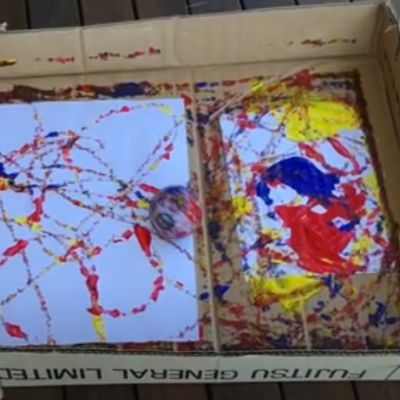
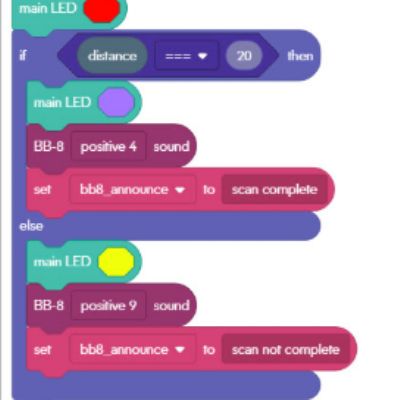
Example of Computing at Hurst Green
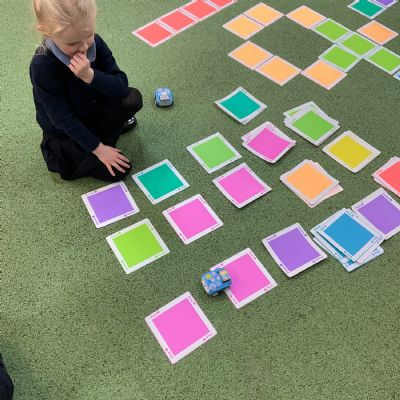
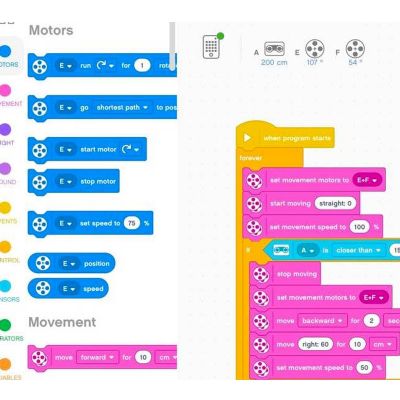
.jpeg)
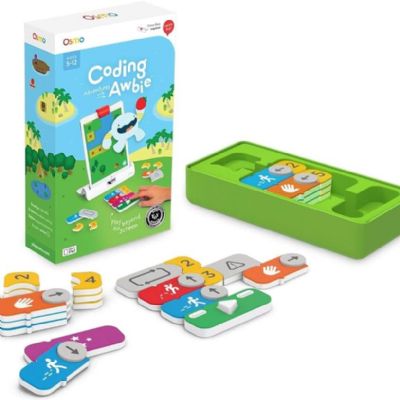
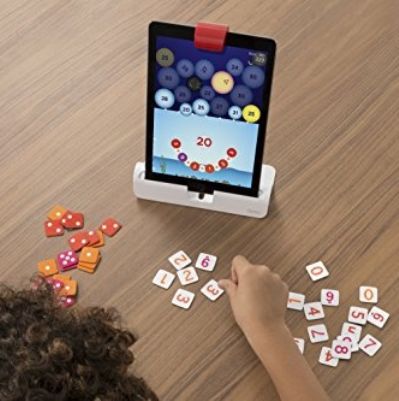
.jpeg)

E-safety
Want to learn about eSafety in a fun and interactive way? Well you've come to the right place! This part of the school website is for you to learn about important eSafety issues while playing challenging and epic games online!
NEWSROUND QUIZ - INTERNET SAFETY
Child Exploitation and Online Protection Centre
Computing Key Vocabulary
Children at Hurst Green are encourage to use Key vocabulary throughout their computing lessons. Key Vocabulary is displayed in the Computer suite and on all of our technology storage cabinets.